

Tech Neck: Why Your Desk Job Hurts Your Neck - and How to Fix It
Ho Tin (Alex) Szeto, Chiropractor & Director · Clinically reviewed by Phillip Lay, Physiotherapist
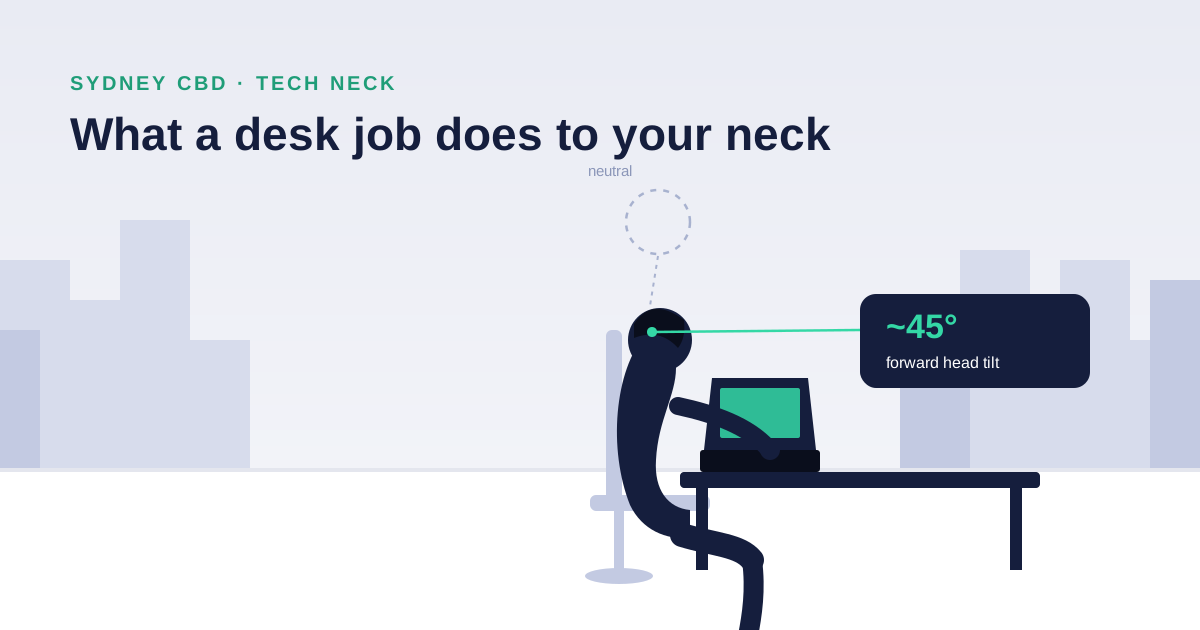
Tech neck is the neck pain, stiffness and headaches caused by spending hours with your head dropped forward over a phone or laptop — and yes, you can fix it. It isn't a disease and it isn't permanent damage in most people. It's a load problem: your head effectively gets heavier the further forward it drifts, and your neck, shoulders and upper back pay for it by the end of the workday.
Our clinic sits in Darling Square, surrounded by Sydney CBD offices, so desk workers with aching necks are probably the single most common patient we see. This guide covers what's actually happening in your neck, the symptoms worth paying attention to, the desk setup and exercises that genuinely help, and when it's time to stop stretching and get assessed.
Key Takeaways
- Your head weighs about 5 kg in neutral posture — but tilted 45° forward over a phone, the effective load on your neck reaches roughly 22 kg, and 27 kg at 60° (Hansraj, Surgical Technology International, 2014).
- Neck pain is close to an occupational hazard for desk workers: an Australian study found around half of office workers developed neck pain within a single year.
- Most tech neck responds well to a combination of workstation changes, regular movement breaks, and specific strengthening — not just stretching.
- Recurring headaches that start at the base of your skull are frequently neck-driven (cervicogenic) and treatable.
- See a practitioner if pain persists beyond a couple of weeks, wakes you at night, or comes with arm pain, pins and needles, or numbness.
What Is Tech Neck?
Tech neck (you'll also see "text neck") is the modern name for a posture-related overload of the cervical spine — the seven vertebrae of your neck — and the muscles that hold your head up. When your ears sit stacked over your shoulders, those structures share the load efficiently. When your head migrates forward and down toward a screen, the physics turn against you fast.
The most-cited figures come from spinal surgeon Kenneth Hansraj, who modelled the forces on the cervical spine at increasing angles of forward tilt (Surgical Technology International, 2014):
What your neck is actually holding up, by head angle
Source: Hansraj K.K., Surgical Technology International, 2014.
No single minute of that posture injures you. The problem is the dose: hold that load through a workday, five days a week, and the muscles at the back of your neck and tops of your shoulders never get to switch off. That chronic overload — not a "damaged spine" — is what most tech neck actually is. Which is also why it's fixable.
And if you work at a desk, you have plenty of company. A one-year study of Australian office workers found roughly half developed neck pain within twelve months (European Spine Journal, 2009).
Symptoms: What Tech Neck Feels Like
The classic pattern we see in CBD desk workers:
- Neck and shoulder ache that builds through the workday — fine at 9am, throbbing by 4pm
- Stiffness turning your head, especially checking blind spots while driving
- Headaches that start at the base of the skull and creep up the back or side of the head. Cervicogenic headaches are headaches driven by the joints and muscles of the upper neck — and they're frequently mistaken for "stress headaches"
- Burning or knotted tension across the tops of the shoulders and between the shoulder blades
- A visible change in posture — rounded shoulders and a head that sits forward of the body (forward head posture) in side-on photos
Less commonly, irritated structures in the neck can refer pain into the arm. Pins and needles, numbness or weakness in the arm or hand belongs in the "get assessed" category below — don't stretch your way through nerve symptoms.
How to Fix Tech Neck: Your Desk, Your Breaks, Your Strength
Honest answer first: you can't stretch your way out of a posture problem you sit back into for eight hours a day. Fixing tech neck means reducing the load (workstation and habits) and increasing what your neck can tolerate (strength). Here's the approach we give patients.
1. Set your workstation up in this order
The order matters — each step only works if the one before it is right, so fix them in this sequence rather than all at once:
- Get the screen in front of you and at eye level first. Roughly an arm's length away, top of the monitor at eye height. Laptop users: this is non-negotiable — get a stand and a separate keyboard, or you're locked into looking down all day.
- Then bring the keyboard and mouse close, so your elbows stay near your sides at about 90°, forearms supported and shoulders relaxed rather than shrugged.
- Only then adjust the chair to the desk, once your arms have somewhere comfortable to rest — feet flat, hips slightly above knees.
- Treat your phone as part of the workstation last. Bring it to eye level for anything longer than a glance — the 60° head-drop in the chart above is a phone posture more than a desktop one.
2. Break the dose with movement
The best posture is the next one — necks tolerate variety far better than they tolerate any single position held for hours. Every 30–45 minutes, stand, roll your shoulders, look at something far away, and take your neck gently through its full range. A two-minute reset beats a perfect ergonomic setup you never move from.
3. Five exercises that actually help
Do these daily; each takes under a minute:
- Chin tucks — sitting tall, glide your chin straight back (making a "double chin") without tilting. Hold 3 seconds, 10 reps. This wakes up the deep neck flexors that switch off in forward head posture.
- Upper trapezius stretch — ear toward shoulder, gentle overpressure with your hand, 20–30 seconds each side.
- Levator scapulae stretch — nose toward armpit, gentle overpressure, 20–30 seconds each side. Targets the muscle behind that "knot" at the top of the shoulder blade.
- Thoracic extension over a chair back — hands behind head, arch your upper back over the top of your chair, 10 slow reps. A stiff upper back forces the neck to do extra work.
- Doorway pec stretch — forearm on the door frame, step through gently, 20–30 seconds each side. Opens the rounded-shoulder position from the front.
From our clinic floor
The patients who improve fastest are almost never the ones with the most expensive chairs — they're the ones who take the movement breaks. Consistency with boring basics beats equipment every time.
4. Strengthen beyond the neck
Longer term, the necks that stop hurting are the ones attached to stronger upper backs. Rowing movements, scapular work and general resistance training are protective. This is where a structured program — rather than a printout of stretches — earns its keep.
When to Get Assessed (and What Treatment Looks Like)
Self-management is the right starting point for garden-variety tech neck. Book an assessment when:
- Pain has persisted beyond two weeks despite fixing your setup and moving more
- Headaches are frequent or increasingly intense
- Pain radiates into the arm, or you notice pins and needles, numbness or weakness (see also shoulder impingement if the pain sits over the shoulder)
- Pain wakes you at night or is progressively worsening
- It keeps coming back every time work gets busy
At our clinic, treating desk-related neck pain typically combines hands-on treatment — joint mobilisation of stiff neck and upper-back segments, soft tissue therapy, dry needling where appropriate — with the strengthening program that stops the problem recurring. Both our chiropractors and physiotherapists treat tech neck weekly; if you're unsure which suits you, our guide to choosing between a physio and a chiro gives an honest comparison, and our neck pain and headaches page covers how we assess and treat it. Neck pain from a desk job may also qualify for a Medicare rebate if it's become chronic — see our Medicare and costs guide.
Frequently Asked Questions
Can you actually fix a tech neck?
Yes, in most cases. Tech neck is predominantly a load-tolerance problem, not structural damage — which means workstation changes, movement breaks and progressive strengthening genuinely reverse it. Established forward head posture takes weeks to months of consistent work to change, but symptoms usually improve much sooner.
What are the symptoms of tech neck?
Neck and shoulder ache that worsens through the workday, stiffness turning the head, tension across the tops of the shoulders, and headaches starting at the base of the skull. In more irritated cases, pain can refer toward the shoulder blade or down the arm — arm symptoms with pins and needles or numbness warrant a professional assessment.
How long does tech neck take to heal?
Most uncomplicated cases improve noticeably within two to six weeks once the load is addressed — sooner with treatment for symptom relief. Changing the underlying posture and strength picture takes longer, typically two to three months of consistent exercise. Pain persisting past a couple of weeks of genuine self-management is a reasonable trigger to get assessed.
How do I relieve tech neck right now?
Short version: change position, then move. Stand up, do five slow chin tucks, stretch each upper trap for 30 seconds, and set your screen higher before you sit back down. Heat on the tight muscles can ease symptoms in the short term. Then address the cause — the desk setup and movement habits above — or the relief won't last.
Is tech neck the same as forward head posture?
They're closely related but not identical. Forward head posture is the position — head sitting in front of the shoulders. Tech neck is the symptom pattern that position produces under daily load. You can have forward head posture without pain; tech neck is what it feels like when your tissues stop tolerating it.
Written by Ho Tin (Alex) Szeto, chiropractor and director at Wally's Health Clinics, Bachelor of Chiropractic Science, Master of Chiropractic. Clinically reviewed by Phillip Lay, physiotherapist, BSc Physiotherapy (Hons).
This article provides general information, not a diagnosis — persistent or severe symptoms deserve an individual assessment.